
Build an app with Next.js and Bun
Next.js is a React framework for building full-stack web applications. It supports server-side rendering, static site generation, and API routes. Bun installs packages fast and can run Next.js development and production servers.
Create a new Next.js app
Use the interactive CLI to scaffold a new Next.js project and install its dependencies.
bun create next-app@latest my-bun-appStart the dev server
Change to the project directory and run the dev server with Bun.
cd my-bun-app
bun --bun run dev
This starts the Next.js dev server with Bun's runtime.
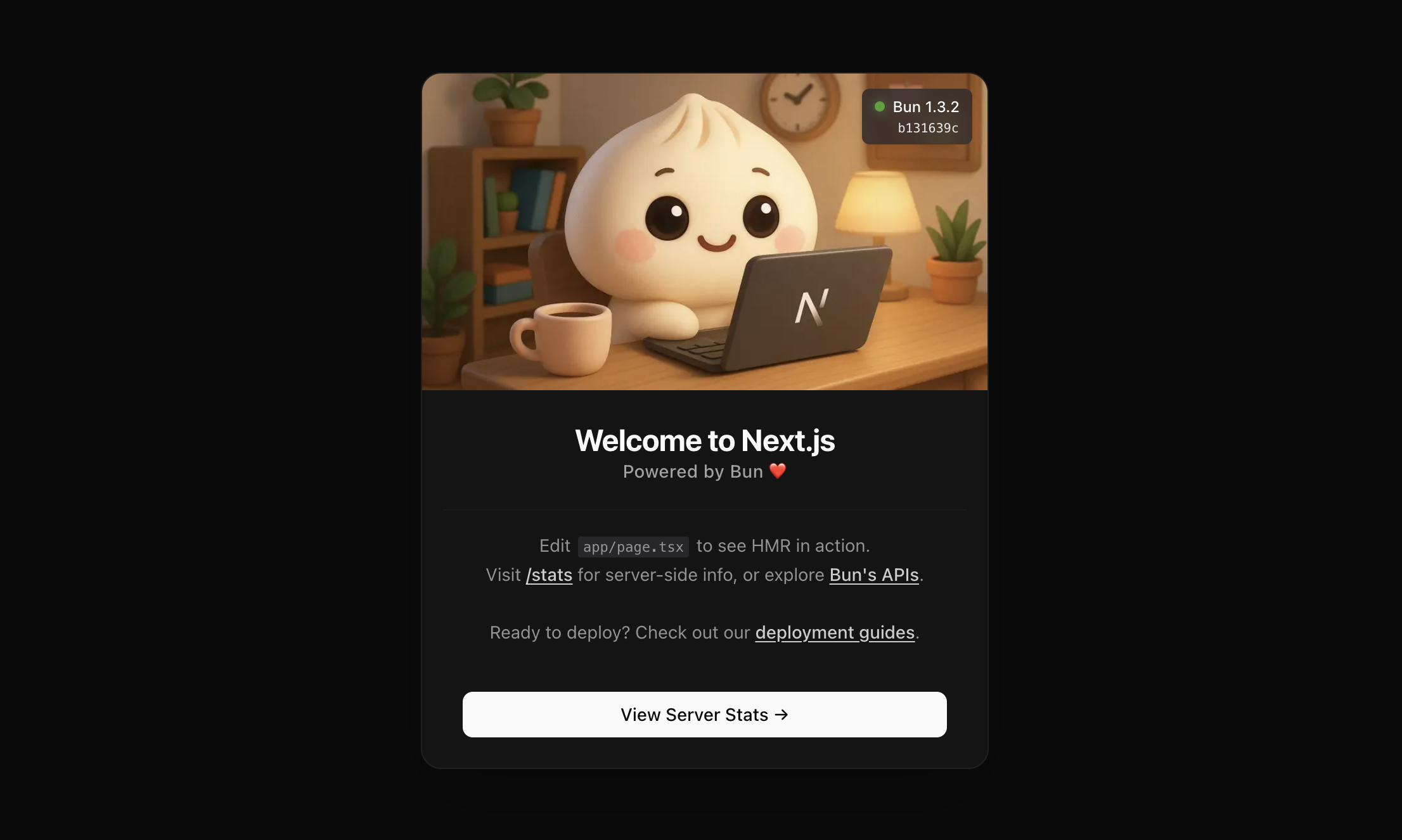
Open http://localhost:3000 in your browser to see the result. Changes you make to app/page.tsx are hot-reloaded in the browser.
Update scripts in package.json
Prefix the Next.js CLI commands in your package.json scripts with bun --bun so that Bun executes the Next.js CLI for dev, build, and start.
{
  "scripts": {
    "dev": "bun --bun next dev",
    "build": "bun --bun next build",
    "start": "bun --bun next start"
  }
}Hosting#


Templates#
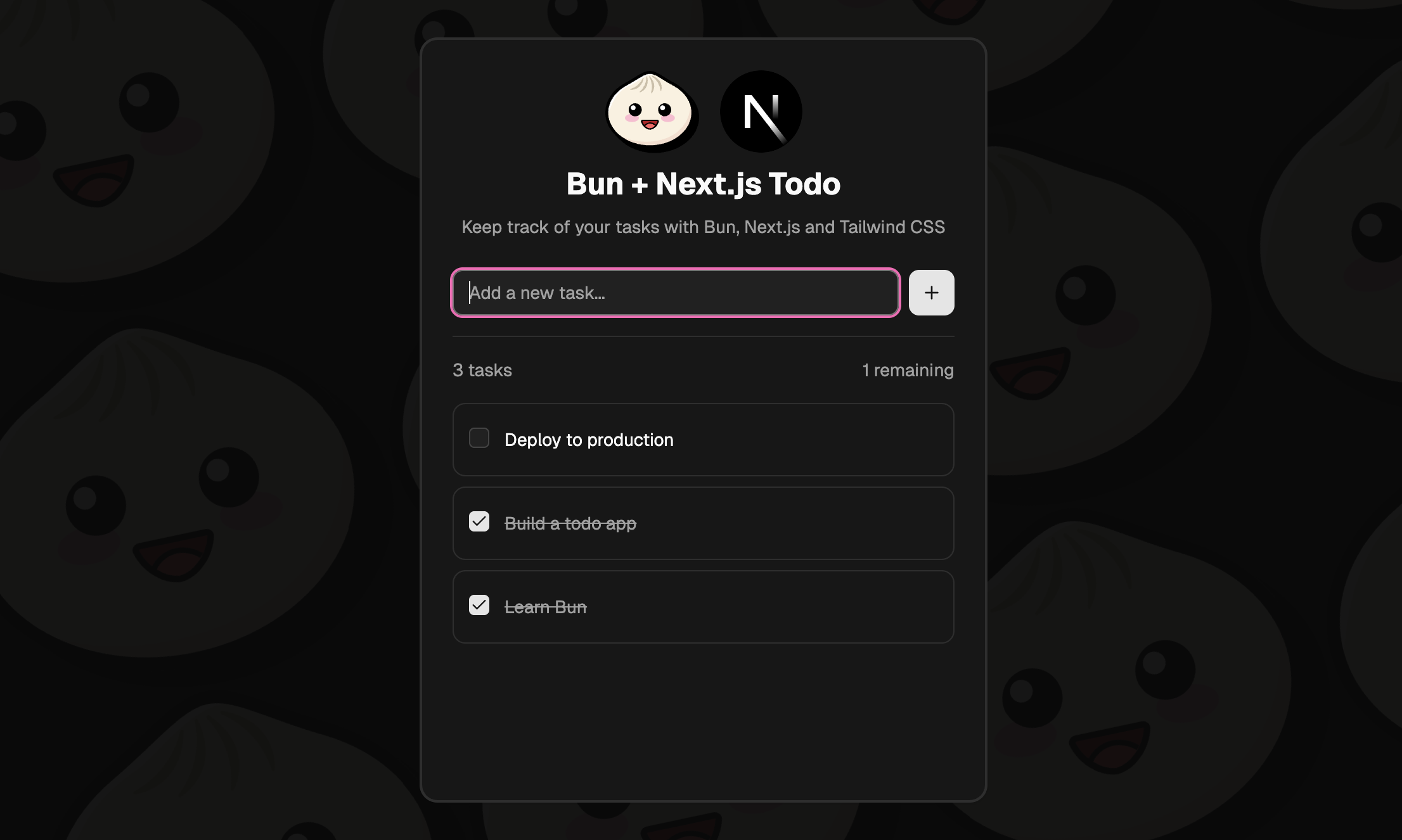
Refer to the Next.js documentation for more on building and deploying Next.js applications.